
Projects
Projects are a user’s own working track lists, created on your client site as they gather music for a brief. Collections → Projects lets you see them and manage them on a user’s behalf.
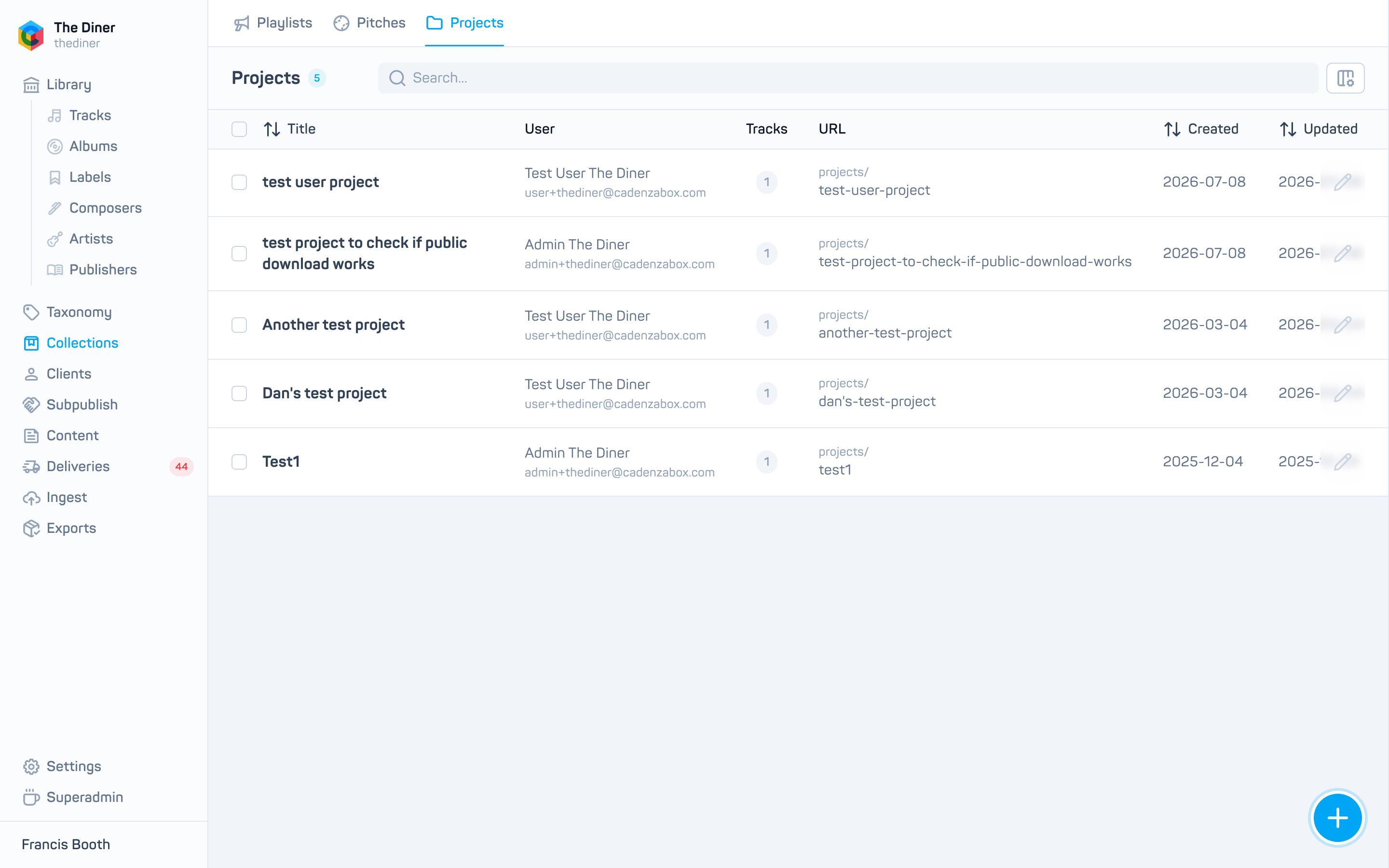
The list shows Title, User, Tracks, URL, Created and Updated, with Export and edit on each row.
Create a project for a user
- Click New project.
- Enter a Title and choose the Owner. Both are required; if nothing happens when you click Create, check that an owner is selected.
- Optionally add a Description.
- Add tracks under Tracks: search, click to add, drag to reorder, Add chapter for headings.
- Click Create. The project appears in the user’s account straight away.
Edit or reassign a project
Open the project with the pencil. Changing the Owner moves the project to another user; the previous owner no longer sees it. Track changes are stored when you click Save.
Projects have no published state and cannot be deleted from the admin.
Deleting a user deletes their projects
Projects belong to their owner. If you delete a user under Users, all of their projects go with them. Reassign any you want to keep first.