
Pages
Content → Pages manages the static pages of your client site, such as the homepage, About or Licensing, built from ready made section components.
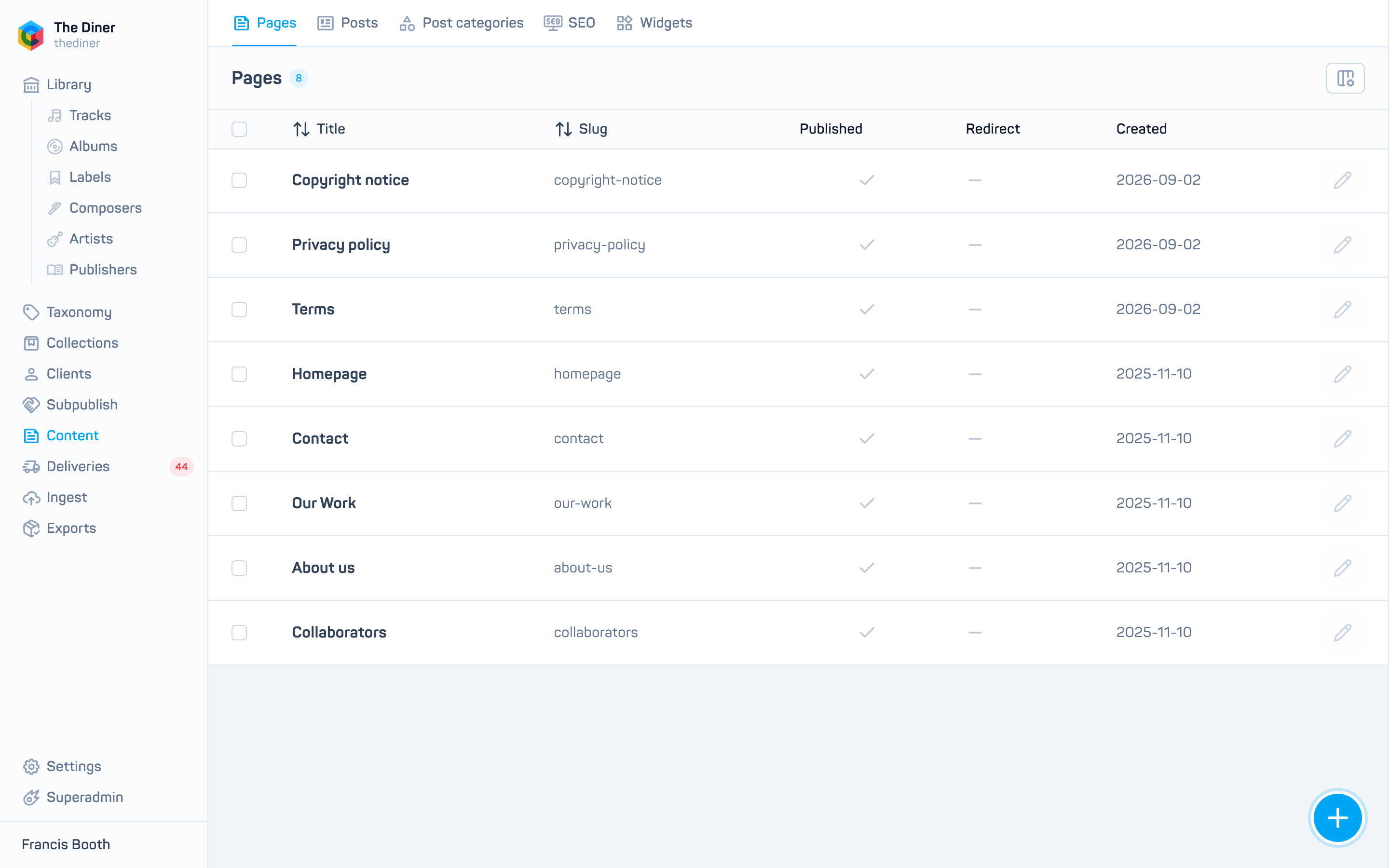
The list shows Title, Slug, Published, Redirect and Created.
Create or edit a page
Click the round + button, or the pencil on a row.
| Field | Notes |
|---|---|
| Published | On by default. Switch off to hide the page without deleting it. |
| Require login | Only signed in users can open the page. |
| Title | Required. |
| Slug | The path on your site, for example licensing. Required; click Generate to build it from the title. Slashes are allowed for nested paths. The slug homepage is your site’s front page. |
| Featured image | URL of a hero image. |
| Redirect | Turn the page into a redirect to the URL you enter (a path like /promo or a full address). Frame redirect shows the target inside your site’s frame instead of leaving it. |
| SEO | Title, description and keywords, with a preview of how the result appears in Google. |
Click Create or Save. Delete removes the page permanently after confirmation.
Page sections
The Components card, where sections are chosen and ordered, is currently managed by Cadenzabox staff. Choose a Language, drag components to reorder them, and use Manage components to add from the available list or remove existing ones. The content inside each component is set up by Cadenzabox during your build; ask [email protected] for changes.