
General settings
Settings → General holds your organisation’s identity, branding, client site navigation, regional formats and business details. Change what you need and click Save changes at the top right. There is no per field save, and leaving the page discards unsaved edits.
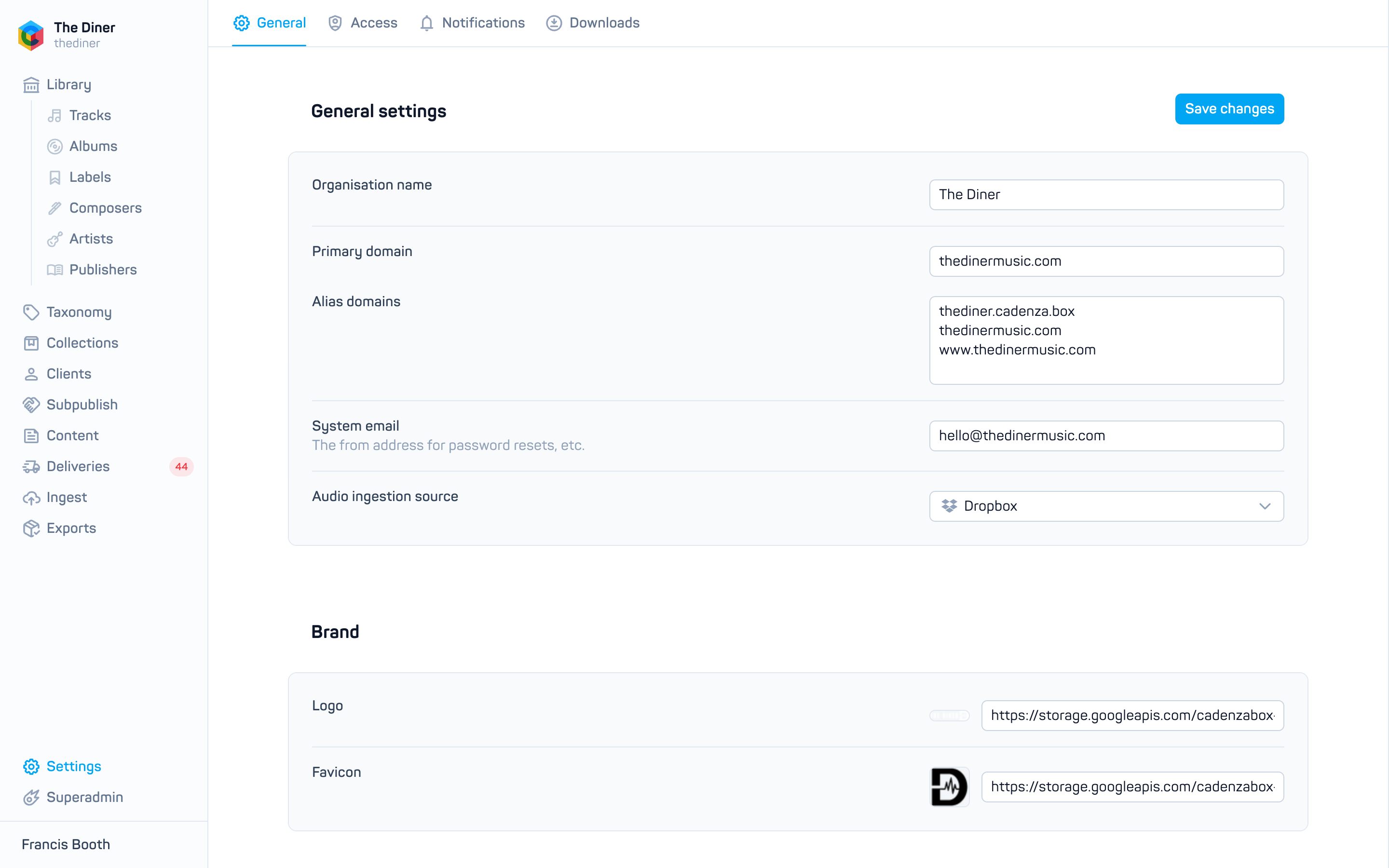
General settings
| Field | Notes |
|---|---|
| Organisation name | Shown in the sidebar and in emails. Changed by Cadenzabox staff only. |
| Primary domain | Your client site’s address, for example music.example.com. Changed by Cadenzabox staff only. |
| Alias domains | Other domains that should reach your site, one per line. A warning appears if an entry includes https:// or www. or is not a valid domain. Alias changes are applied by Cadenzabox staff. |
| System email | The from address for password resets and other system emails, and the default recipient for notifications when no other address is set. |
| Audio ingestion source | Ingestigator or Dropbox. Where Mercury looks for audio and artwork files named in your metadata CSVs. See Deliver audio and artwork. |
Brand
Upload a Logo and Favicon, or paste their URLs. Uploads save straight away. Logo changes are made by Cadenzabox staff.
Navigation
Configure the menus on your client site:
- Primary navbar and Secondary navbar: rows of Name, Href (a path such as
/tracks) and a Visible switch. Drag to reorder and use Add primary navbar link or Add secondary navbar link for more. - Redirect: send a Route on your site (for example
/promo) to a Target URL. Switch on Frame to show the target inside your site instead of leaving it. See also Pages for redirect pages.
Internationalisation
- Additional languages: enable French, English, German, Spanish, Portuguese or Japanese. Translatable fields across the admin then show a language switch.
- Date format and Number format: pattern strings with example chips you can click to apply. The date format is also used for dates in the admin’s own lists.
- Country and Timezone.
Business details
Address and VAT number, used on licences and invoices.