
Composers and publishers
Composers (writers) and publishers are the rights holders on your recordings. Each recording lists its composers and publishers with their shares, territory and capacity; those details come from your metadata CSV and are shown read only on the track. The two library screens maintain the register of names behind them.
Composers
Library → Composers lists Full name, PRO, IPI and how many mains and versions each composer is credited on. Click a count to open those tracks.
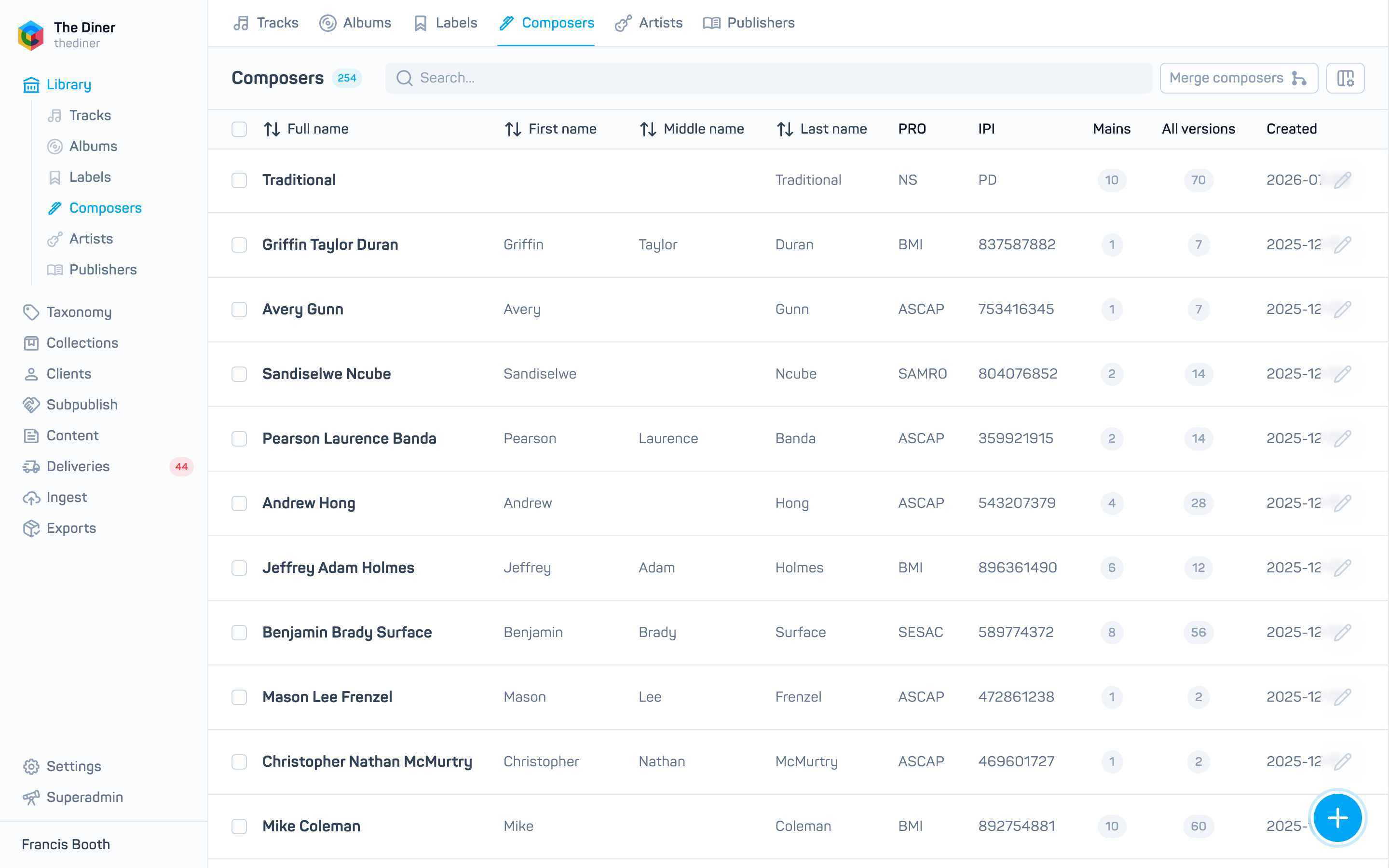
Create or edit: First name, Middle name, Last name (required), PRO and IPI. PRO and IPI are free text, so check them against the society’s records. The edit panel also shows Filter tracks and Filter artists counts.
Merge duplicate composers
Imports often create near duplicates such as J. Smith and John Smith.
- Open the duplicate with the pencil and click Merge composers, or click Merge composers in the toolbar and choose the duplicates under From.
- Under Into, choose the composer that should remain. Its name, PRO and IPI are kept; nothing is copied from the others.
- Click Merge, read the warning and click Merge again.
All track credits and artist links move to the surviving composer and the duplicates are deleted.
Merging cannot be undone
Choose the record with the best data as the destination.
Publishers
Library → Publishers lists Name, IPI, PRO and album and track counts. Search by name.
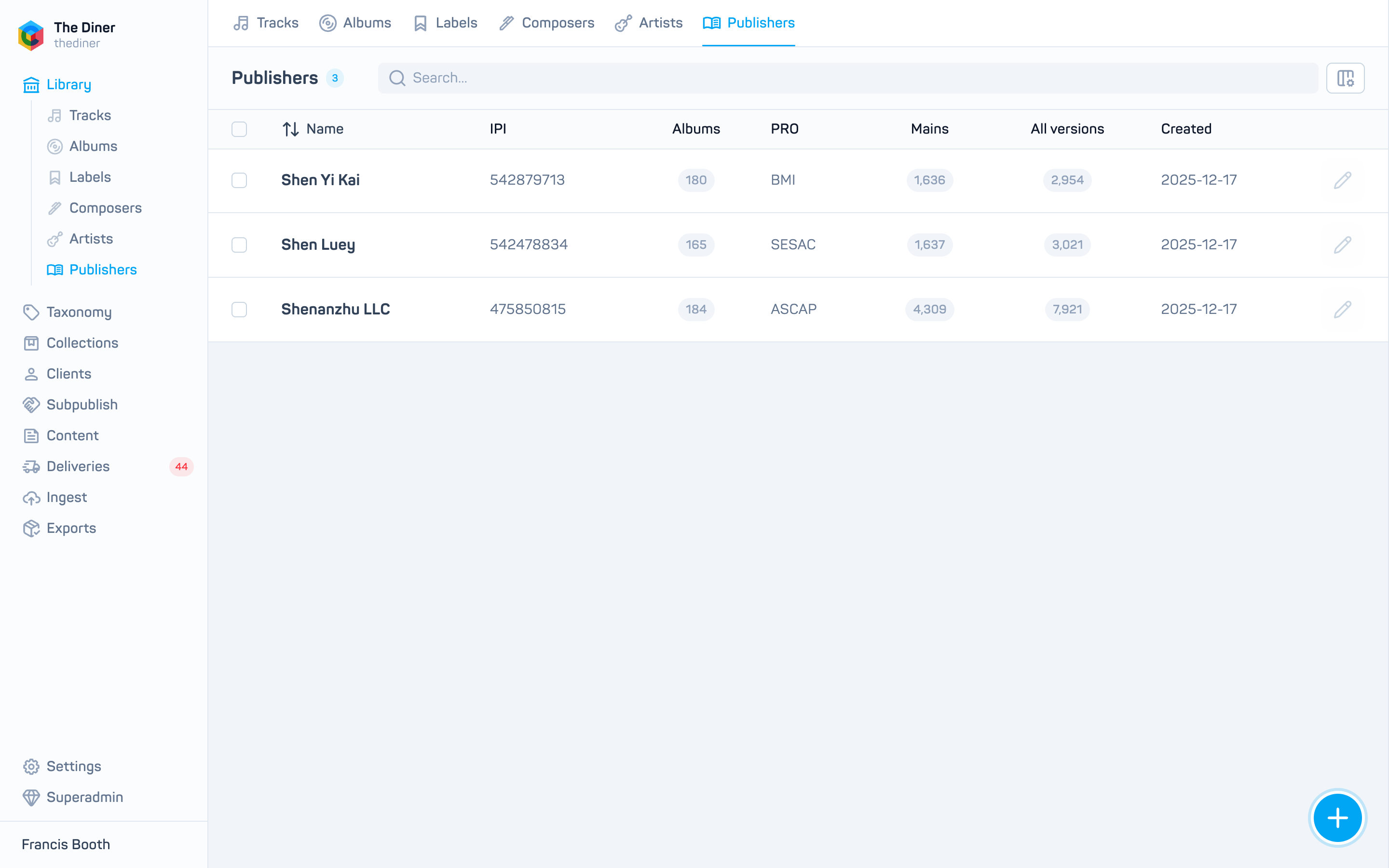
Create or edit: Name (required), PRO and IPI. Publishers cannot be deleted or merged from the admin; contact [email protected] to tidy duplicates.
Related
- Tracks
- Artists
- Prepare your metadata CSV for the
WRITERandPUBLISHERcolumns