
Widgets
Content → Widgets customises your tag cloud and what clients see on the tracks page before they search.
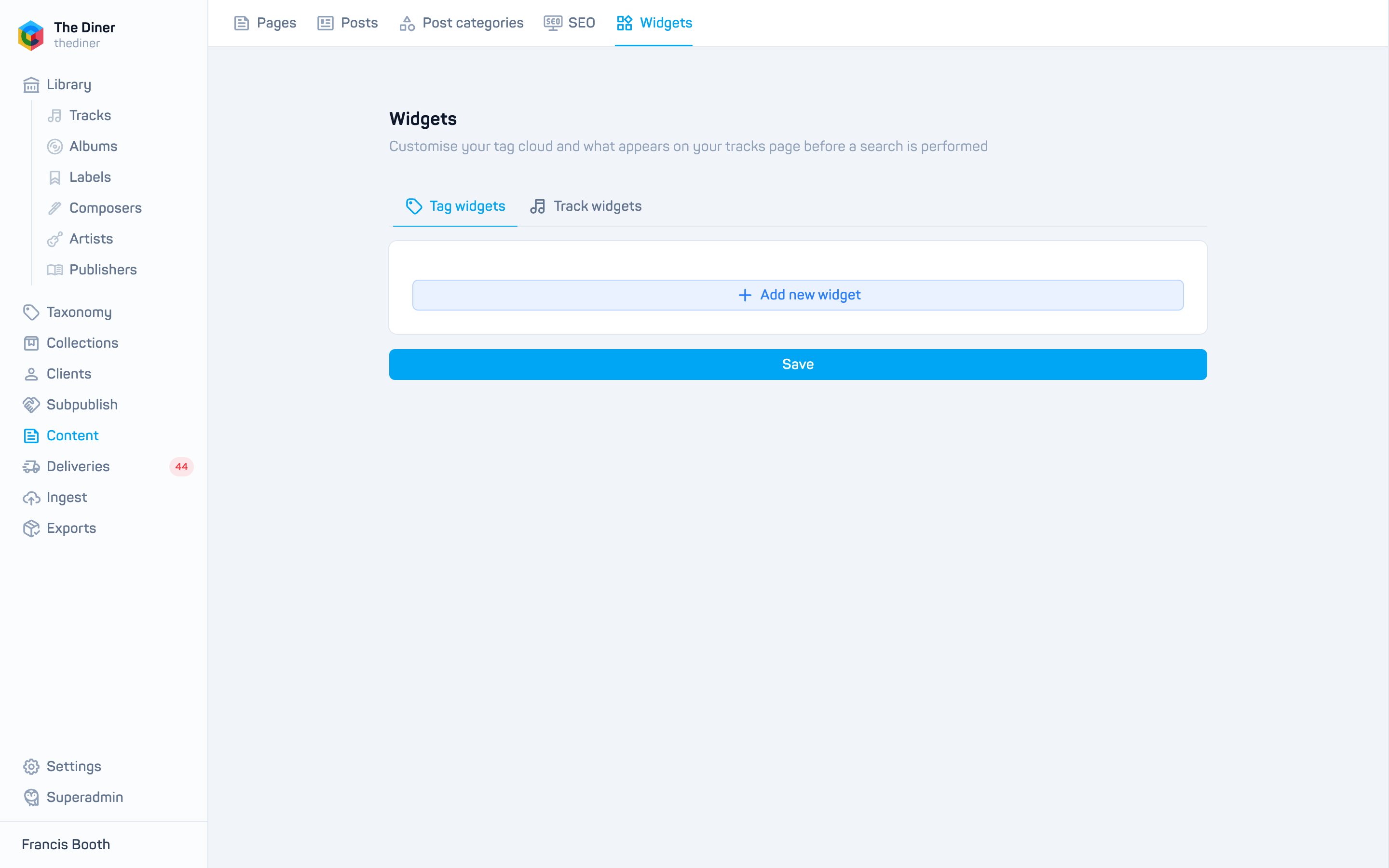
There are two tabs. Add widgets with Add new widget, drag the blue handle to reorder them, and remove one with the red cross. Click Save at the bottom when you are done; a single save covers both tabs.
Tag widgets
Shown in the tag cloud area.
| Widget | What it shows |
|---|---|
| Tab images | A named tab of image tiles, each linking to a page URL. Expanded by default opens it on load. |
| Quick links | A named list of links with optional images. |
Track widgets
Shown on the tracks page until a search is performed. Switch on Show on “no results” to also show them when a search returns nothing.
| Widget | What it shows |
|---|---|
| Albums carousel and Albums links | Chosen releases, or releases matching specific tags, up to a Limit. |
| Featured tracks | Handpicked tracks. |
| Recommended tracks based on | Tracks recommended by Tags, Downloads, Plays or Favourites, with options for Mains only and One track per release. |
| Trending albums or tracks | The most active items over a Period (hour to all time), optionally grouped by main version or release. |
| Quick links | As above. |
| Playlists carousel | Chosen playlists, or playlists matching tags. |
| Tracks from 10 albums filtered by label | Tracks from the latest albums on chosen labels. |
Tags or releases, not both
Filtering a widget by specific tags disables its release or playlist picker.