
Artists
Artists are the performers on your recordings. Library → Artists lists them with PRO, IPI and track counts, and manages each artist’s page on your site.
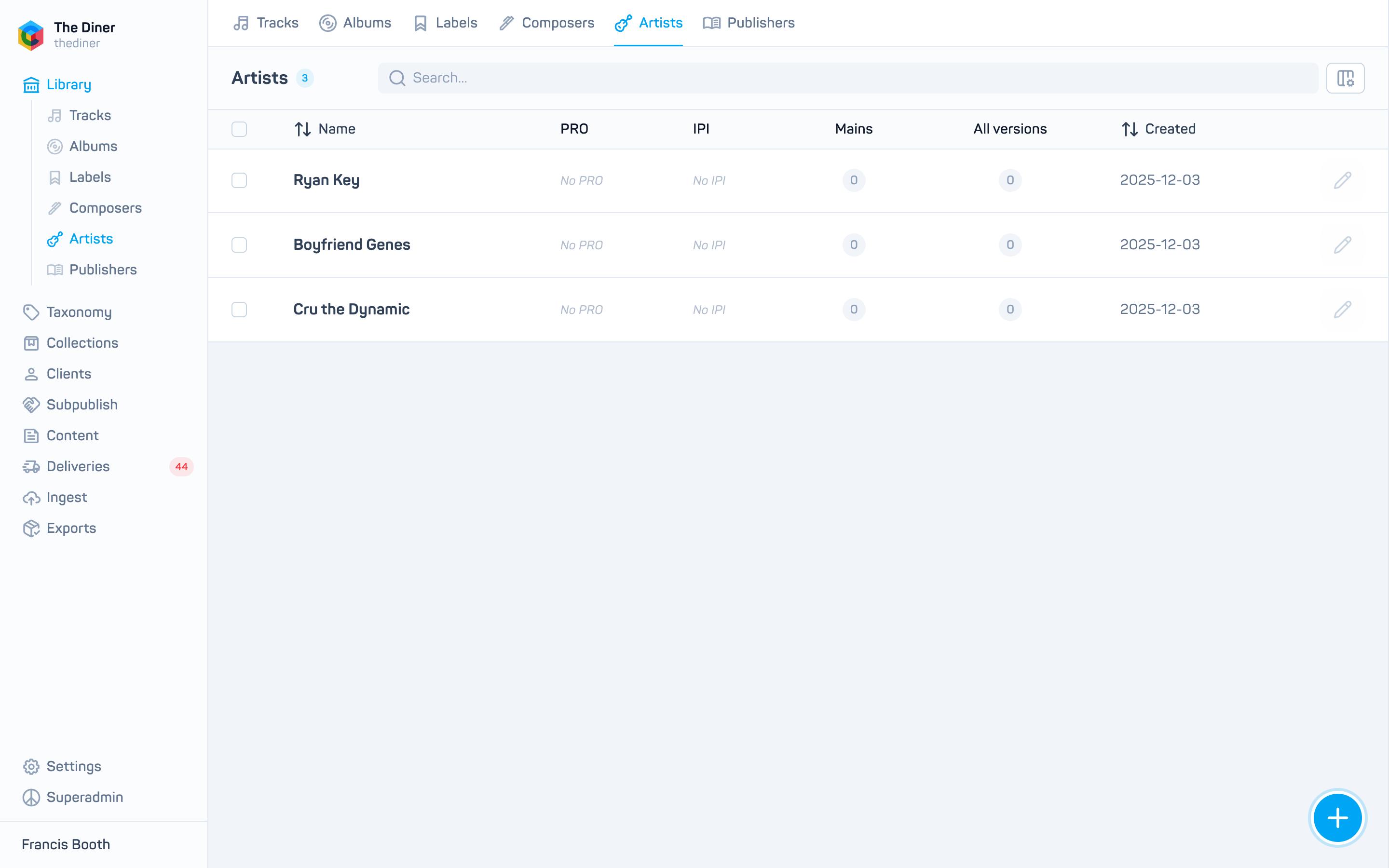
Like labels, each artist has two parts: the artist record (name, society, IPI) and the artist page (published state, biography, images, links, video and featured music). The edit panel handles both.
Find artists
Type a name and press Enter for a text search. The suggestion chips search composers, which filters the list to artists linked to that composer.
Create or edit an artist
| Field | Notes |
|---|---|
| Published | Whether the artist page appears on your site. |
| First name, Middle name, Last name | Last name is required. |
| Society, IPI | Free text. |
| Biography | Shown on the page. |
| Profile image | Edit mode only; uploads immediately. |
| Composer | Optionally link the artist to their composer record so the two are cross referenced. |
| Links, Video URL, Hero image | Page settings. |
| Tracks, Albums, Playlists | Featured music shown on the page. |
Artists that arrived through subpublishing keep their name, society, IPI and composer link locked; the page fields are yours to edit.
Delete
Delete removes the artist page only. The artist record and its track credits remain, so the artist disappears from this list but not from the catalogue. Contact support if the record itself must go.