
Tag order
Taxonomy → Order sets the order of tag categories in the tag cloud on your site, and which categories are hidden from it, separately for the Tracks, Albums and Playlists pages.
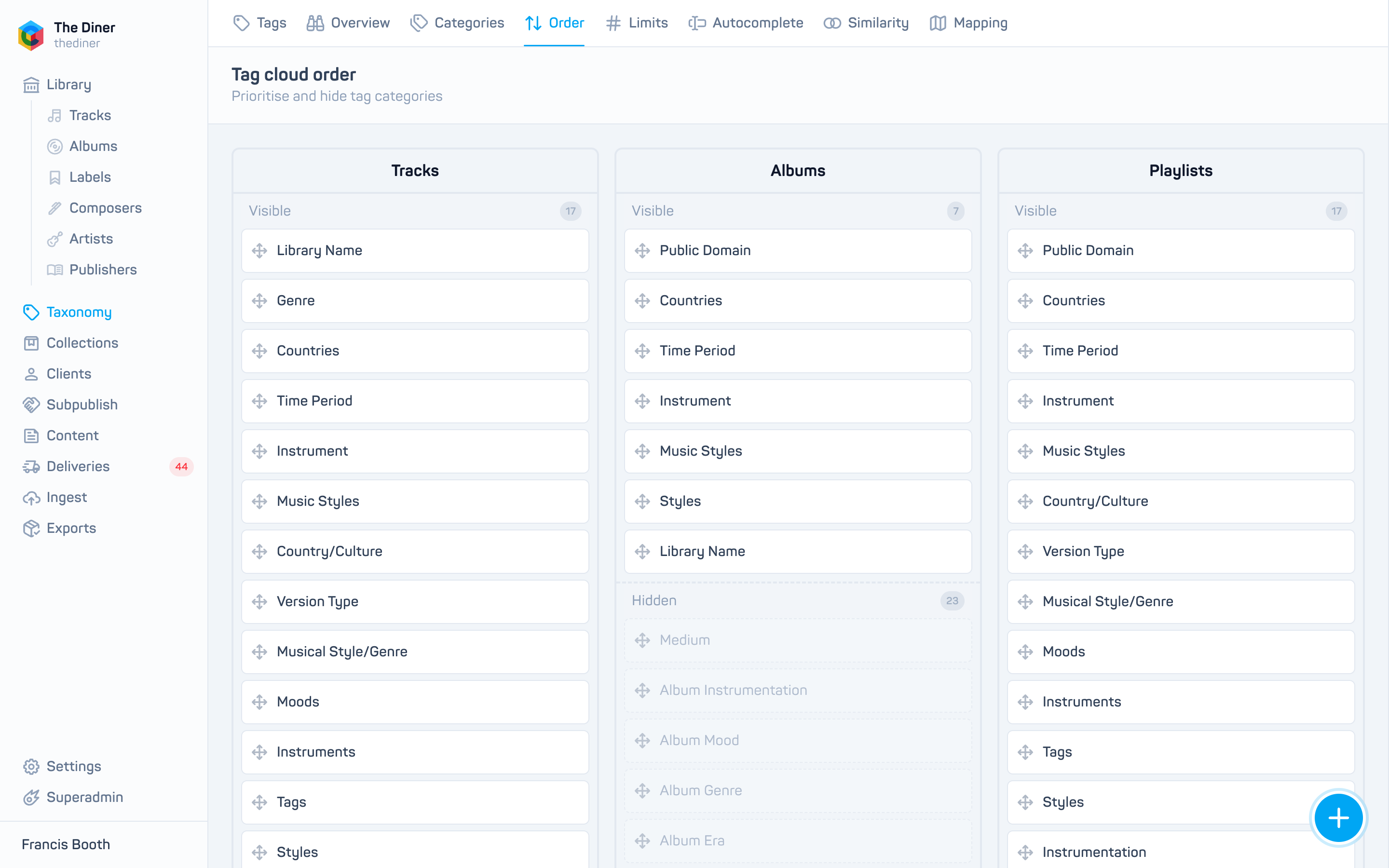
- Choose a column (on small screens, a tab).
- Drag categories into position within the Visible list. The rank shows on hover.
- Hover a category and click the minus to move it to Hidden, or the plus on a hidden category to show it again.
- Click Save order.
Click a category name to open its settings. The same order and visibility can be edited one category at a time in Tag categories.