
Tag limits
Taxonomy → Limits caps how many tags each category shows in the tag cloud, so large categories do not swamp the page. The most used tags are shown first.
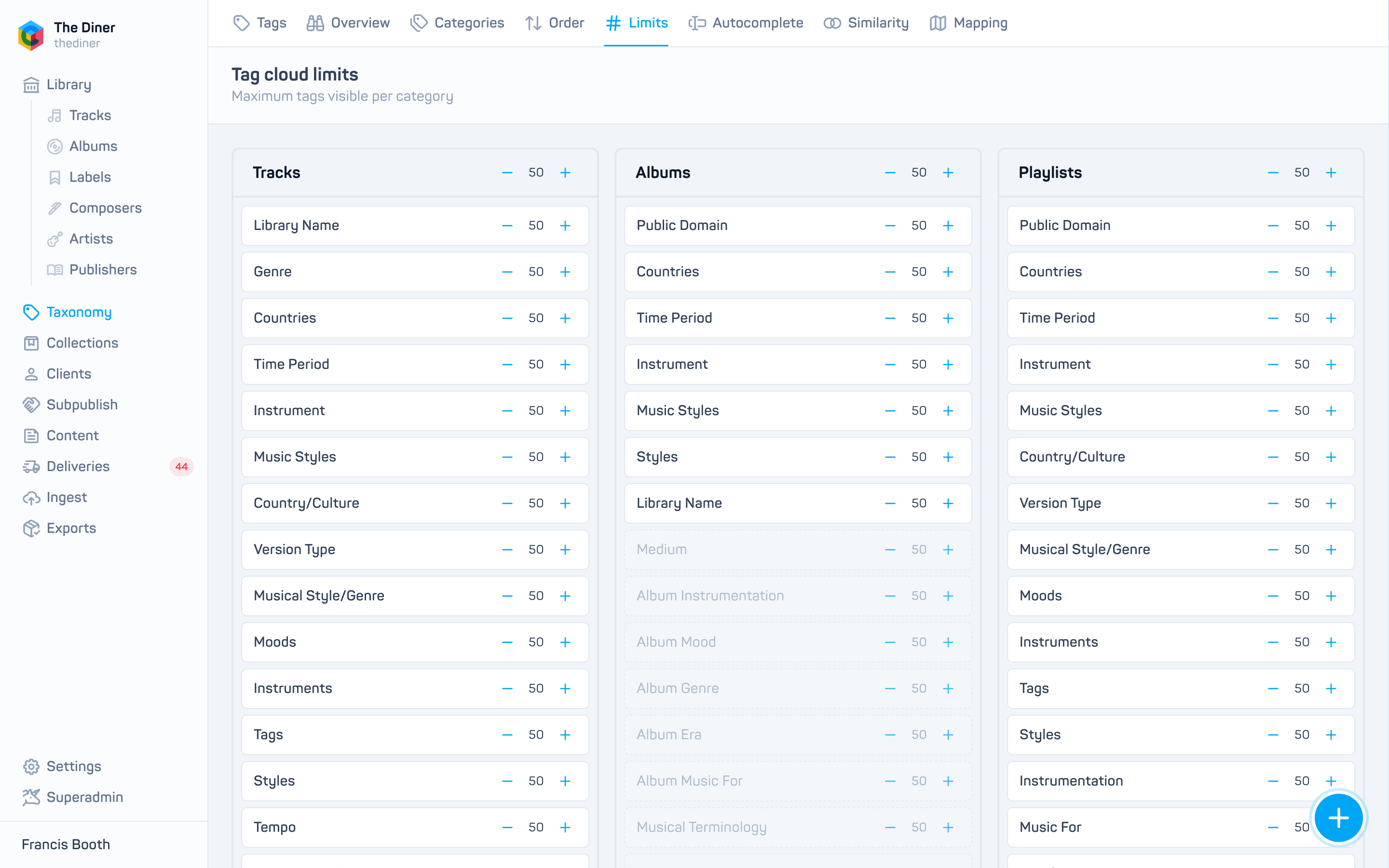
- Enter a number from 0 to 999 next to each category, in the Tracks, Albums or Playlists column. Categories hidden from that cloud are dimmed but still editable.
- To set every category in a column at once, type in Update all at the top of the column.
- Click Save limits.
A limit of 0 uses the default of 50. At present the tracks limit is the one applied on the client site.